M3E Canvas
Sketch Material 3 screens in the browser, generate AI coding prompts
 Visit lnkiai.github.io ↗
What is M3E Canvas?
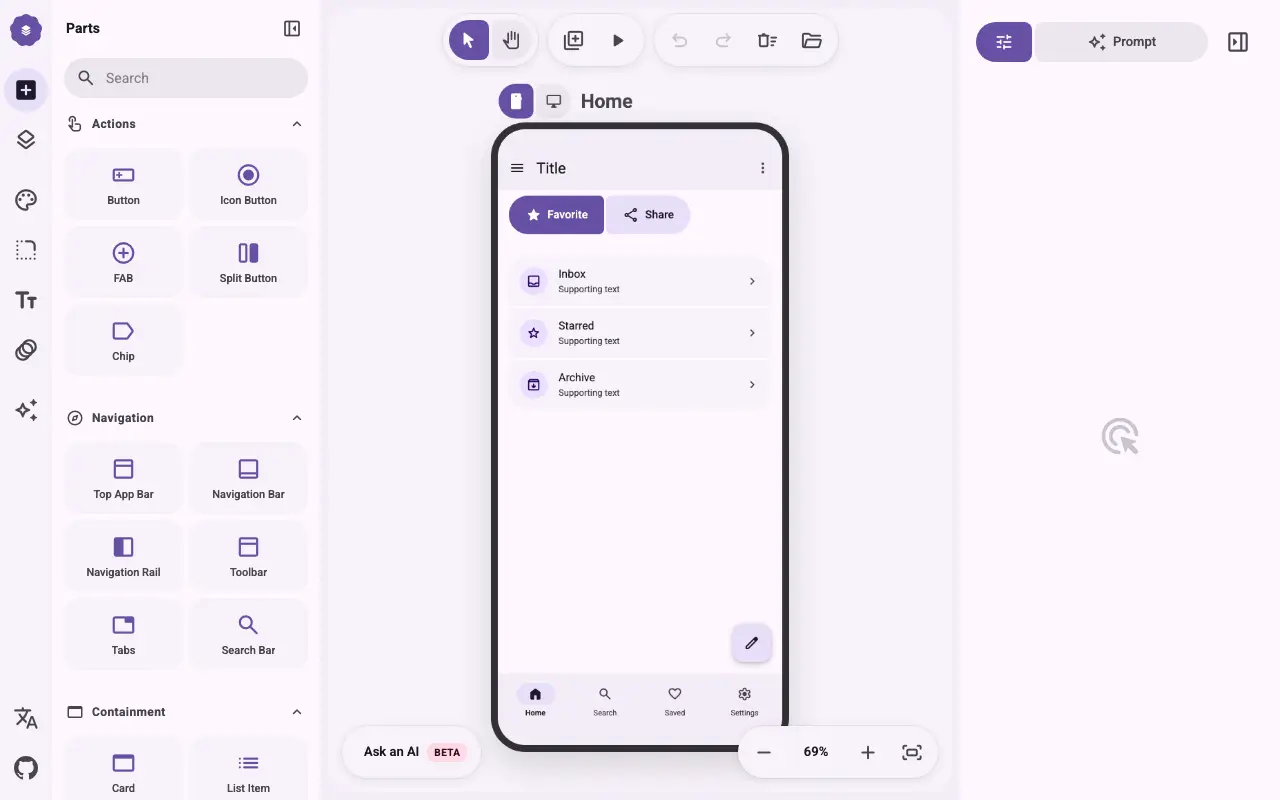
M3E Canvas is a browser-based design tool for creating Material 3 Expressive user interfaces. Users drag and drop components like buttons, navigation bars, cards, and dialogs onto phone or desktop screens, link them with tap-to-navigate interactions, and instantly generate prompts for AI coding tools. The maker built it with Claude Code.
The tool supports real Material 3 animations, magnetic component connections, and responsive layouts that adapt between phone (412×892) and desktop (1280×800) viewports. Designers can sketch complete app flows, customize themes, and export prompts to feed into tools like Claude Code, Cursor, or Gemini CLI for code generation.
Momentum
Daily activity over the last 30 days: upvotes, unique visits, new GitHub stars and Hacker News points.
How do we know it's vibe coded?
vibetrend discovered M3E Canvas automatically. Evidence: GitHub lnkiai/m3e-canvas; repo has AGENTS.md, CLAUDE.md. View source.
Similar vibe-coded apps
 #10 this week
AI-powered design intelligence toolkit for building professional interfaces
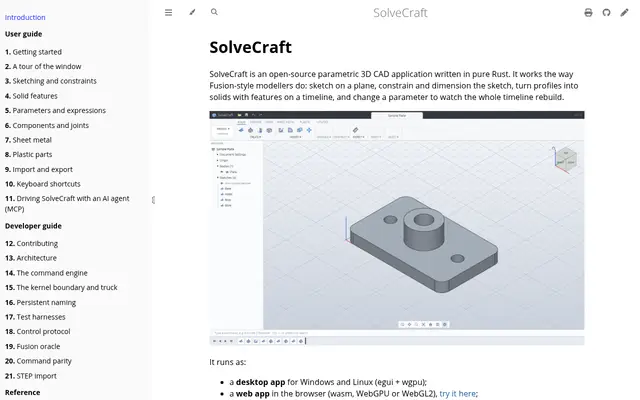
Open-source parametric 3D CAD in Rust, runs desktop, browser, CLI, and MCP
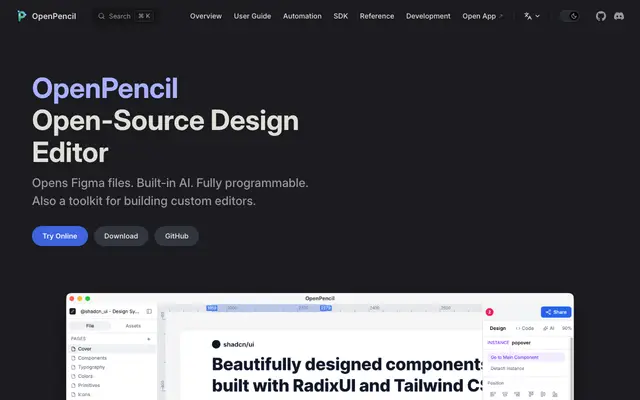
Open-source design editor that opens Figma files with built-in AI
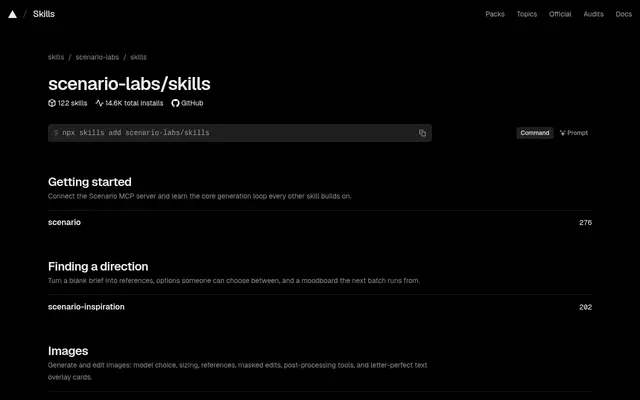
122 agent skills for AI coding tools to generate images, video, audio, and 3D
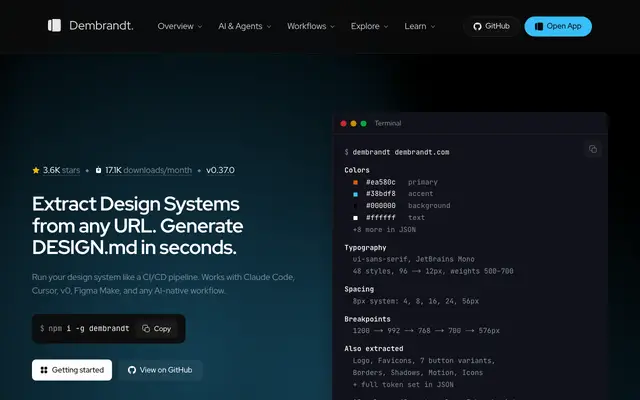
Extract design systems from any website into tokens and design documentation
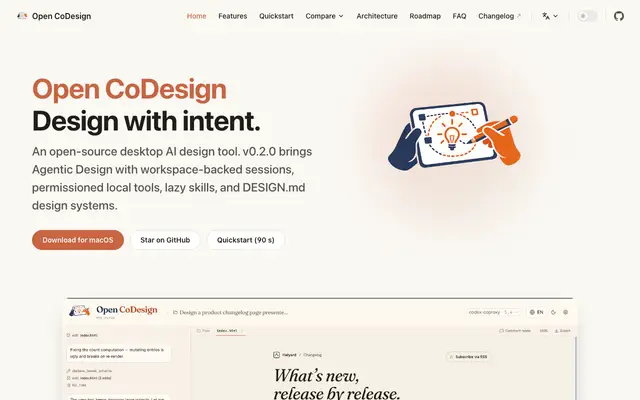
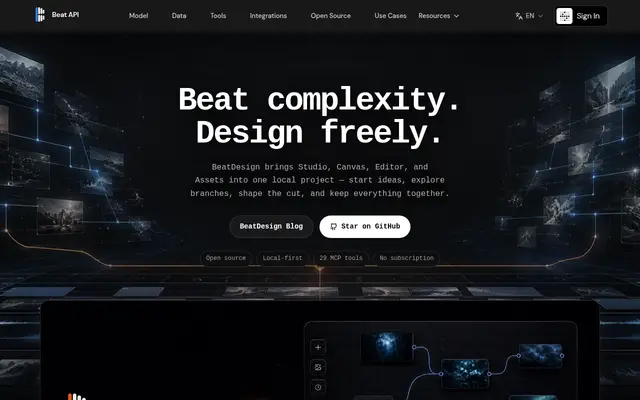
Open-source local-first workspace for AI image and video creation with MCP agent
Open-source design canvas for teams and AI agents