SuperOpt
macOS menu bar app bringing Linux keyboard shortcuts and GNOME features to Mac
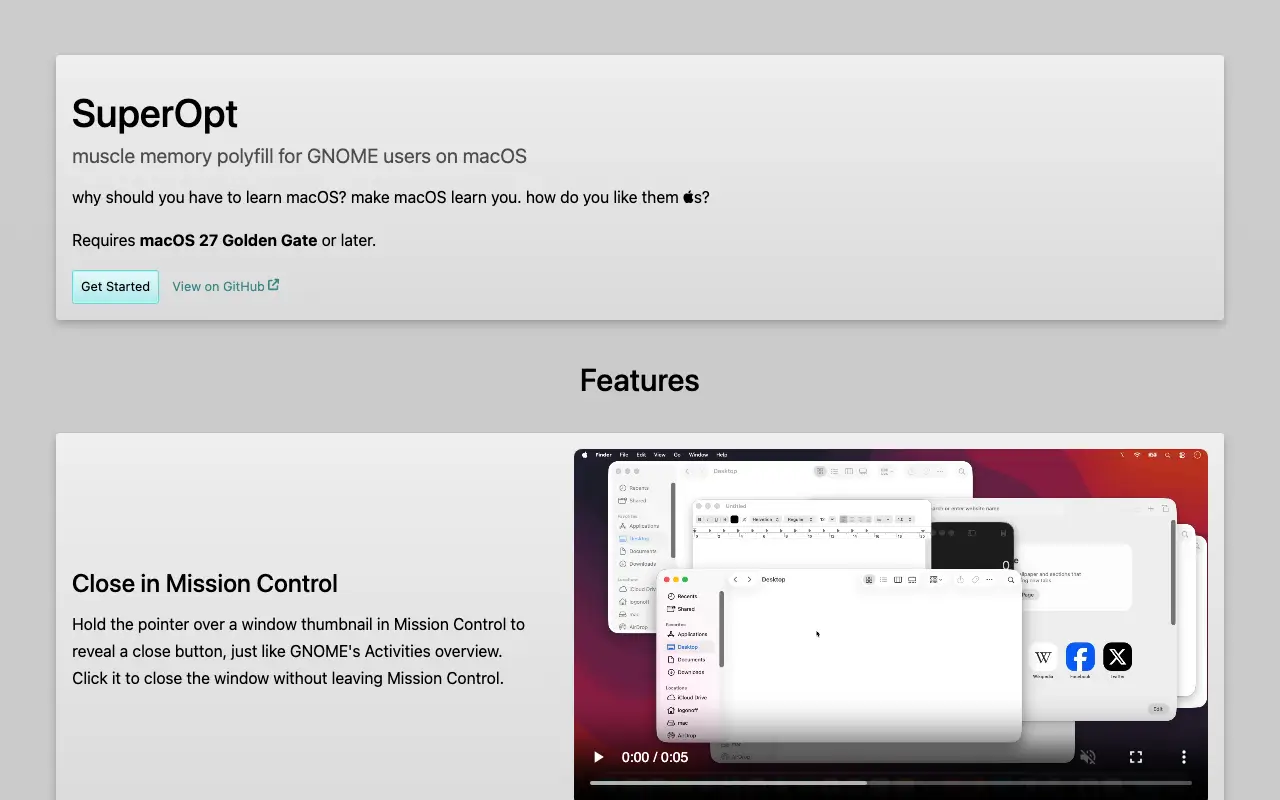 Visit logonoff.co ↗
What is SuperOpt?
SuperOpt is a lightweight macOS utility designed for Linux users transitioning to Apple's operating system. It remaps the Option key and adds GNOME-style features like Mission Control close buttons, window tiling with snap assist, hot corners, and Linux-standard keyboard shortcuts. The app lets users preserve their muscle memory rather than learning macOS conventions from scratch.
Key features include Option key shortcuts for Mission Control and Dock access, window tiling with arrow keys, middle-click paste, Home/End key navigation, and a dark menu bar overlay. Everything is individually toggleable. The creator built it with an LLM over several days to bridge the gap between Fedora and macOS workflows.
Momentum
Daily activity over the last 30 days: upvotes, unique visits, new GitHub stars and Hacker News points.
How do we know it's vibe coded?
vibetrend discovered SuperOpt automatically. Evidence: HN post: "i spent a few days with an LLM to create a program". View source.
Similar vibe-coded apps
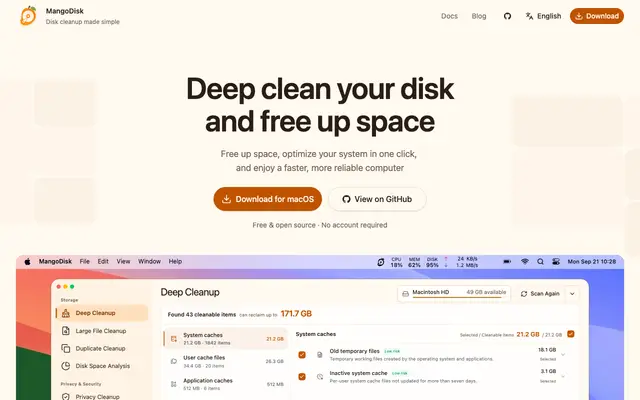
Free disk cleaner and storage analyzer for macOS, Windows, and Linux

Remote browser infrastructure and agents for AI automation tasks
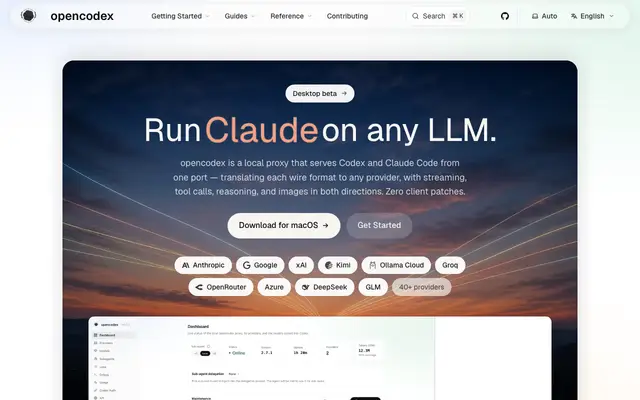
Local proxy to run any LLM with Codex, Claude Code, and Claude Desktop
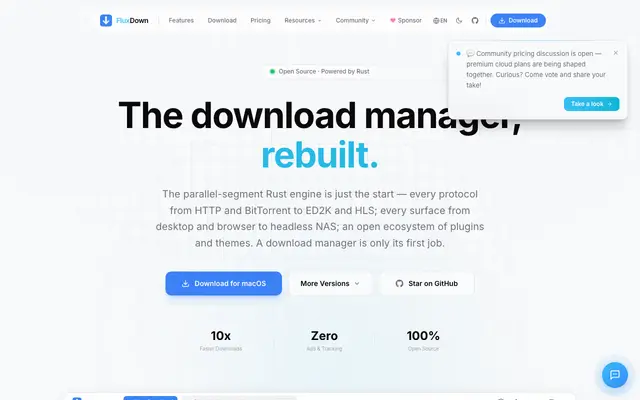
Multi-protocol download manager built in Rust with browser integration
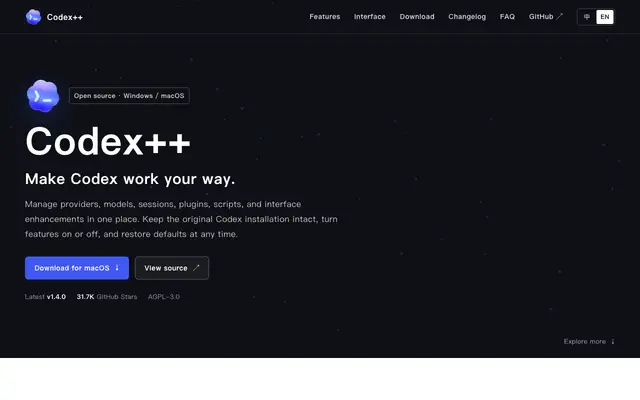
Open-source launcher and manager for OpenAI Codex desktop app
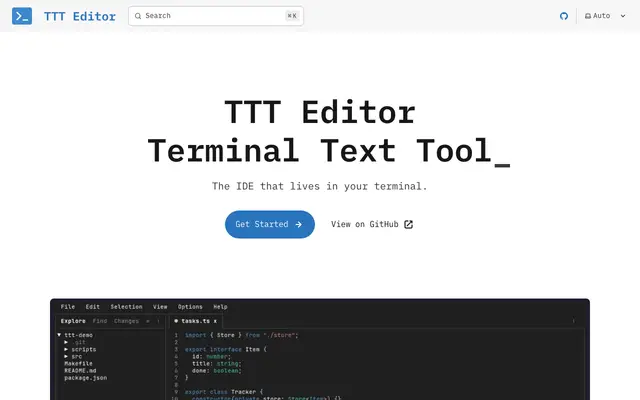
Terminal text editor with GUI-like interface and IDE features
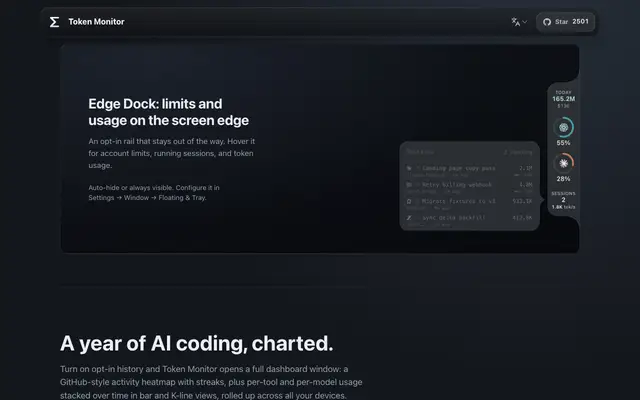
Desktop widget tracking token usage and costs across 40+ AI coding tools
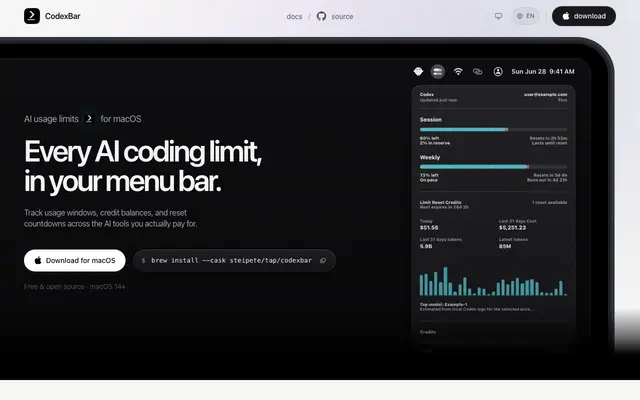
Track AI coding provider usage, credits, and reset windows in your menu bar