curl | bash > explain
Analyze and understand curl|bash installer scripts before running them
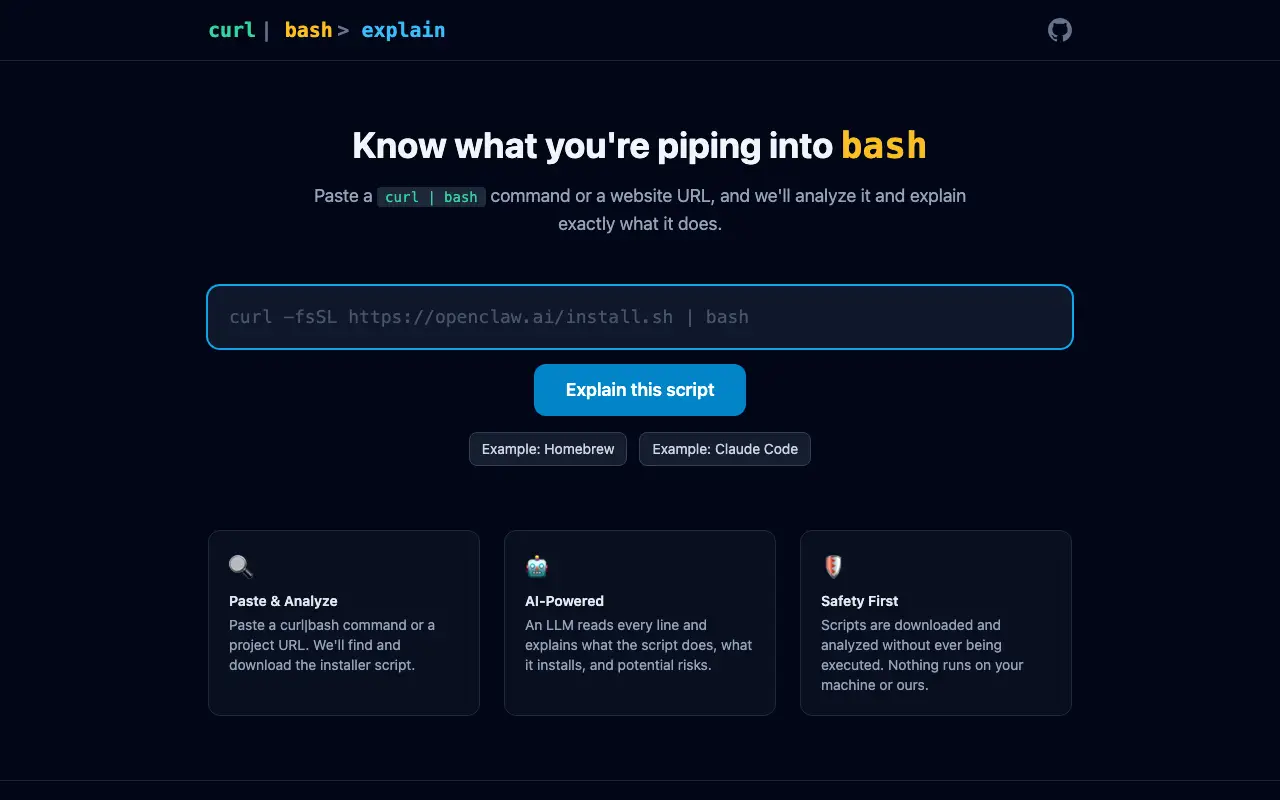 Visit curl-bash-explain.dev ↗
What is curl | bash > explain?
A security-focused tool that helps users understand what installer scripts do before executing them. Users paste a curl|bash command or project URL, and the tool downloads and analyzes the script using an LLM to explain what it installs, what it modifies, and potential risks. The analysis happens safely without executing any code on the user's machine or server.
Designed for developers who want to inspect installation scripts before running them, the tool addresses concerns about blindly piping remote scripts into bash. It provides line-by-line explanations of script behavior and highlights security considerations. The maker notes it was built using an AI coding agent.
Momentum
Daily activity over the last 30 days: upvotes, unique visits, new GitHub stars and Hacker News points.
How do we know it's vibe coded?
vibetrend discovered curl | bash > explain automatically. Evidence: HN post: "coded by their coding agent using Opus 4.6". View source.
Similar vibe-coded apps
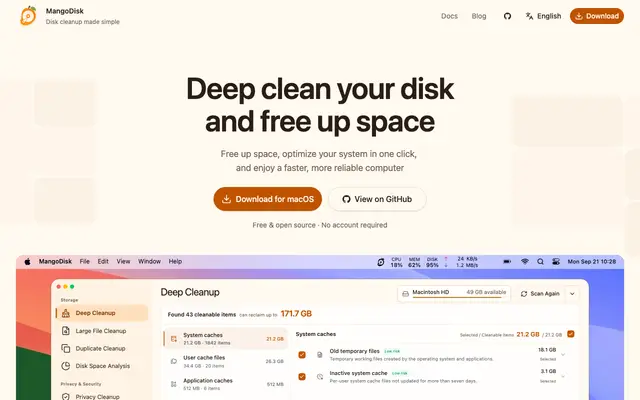
Free disk cleaner and storage analyzer for macOS, Windows, and Linux

Remote browser infrastructure and agents for AI automation tasks
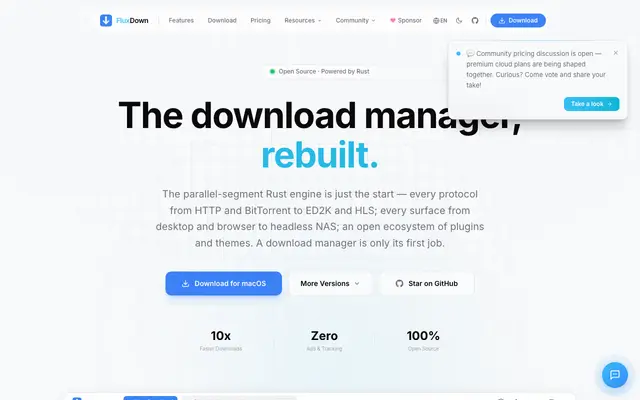
Multi-protocol download manager built in Rust with browser integration
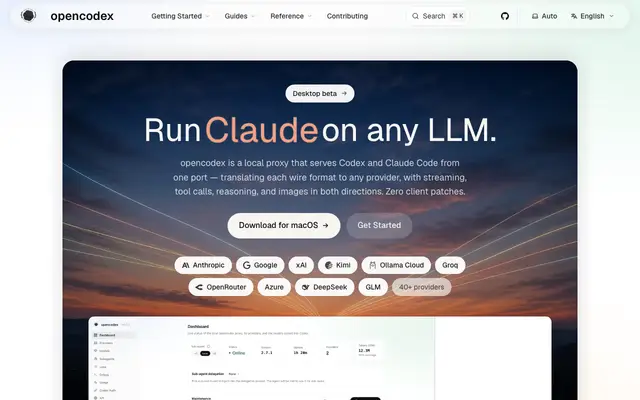
Local proxy to run any LLM with Codex, Claude Code, and Claude Desktop
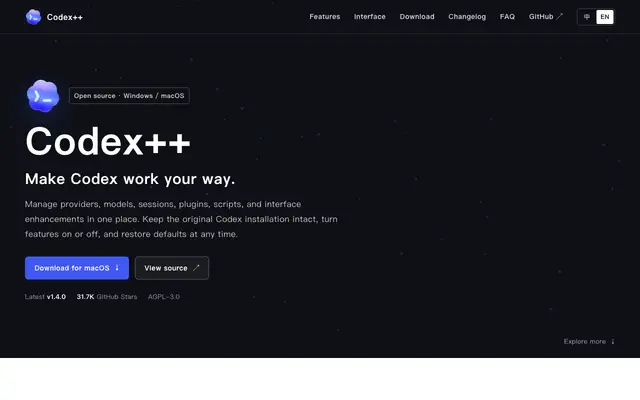
Open-source launcher and manager for OpenAI Codex desktop app
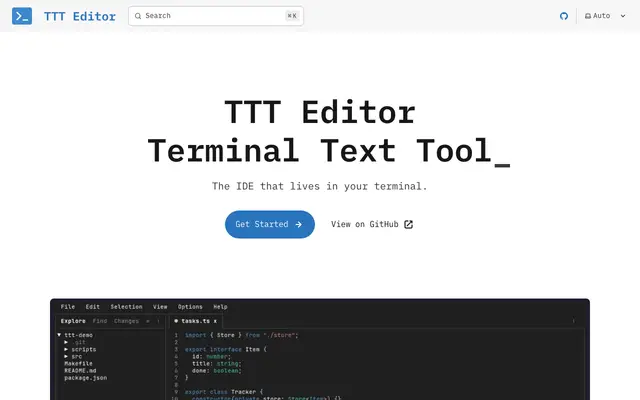
Terminal text editor with GUI-like interface and IDE features
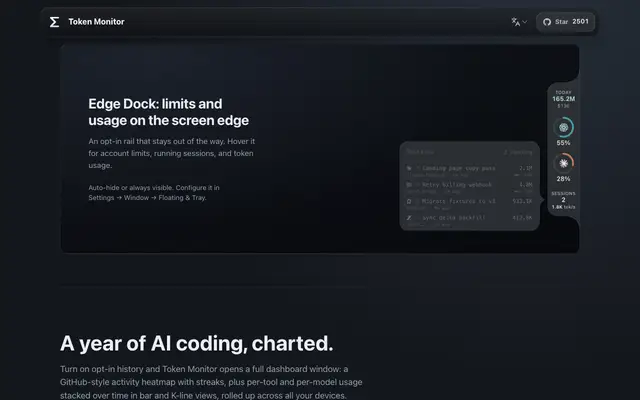
Desktop widget tracking token usage and costs across 40+ AI coding tools